Share Password
Share password is a system that allows you to set a temporary password for your game account.This can be useful when you want to allow some userto log in into y...
Share password is a system that allows you to set a temporary password for your game account.
This can be useful when you want to allow some userto log in into your account to do an activity.
Also can be used toallow an "Exp Agent" to log in, without compromise your account.
How to set a Share Password:
To set up a share password for your account, first make sure to log out your account, and access the User Panel.
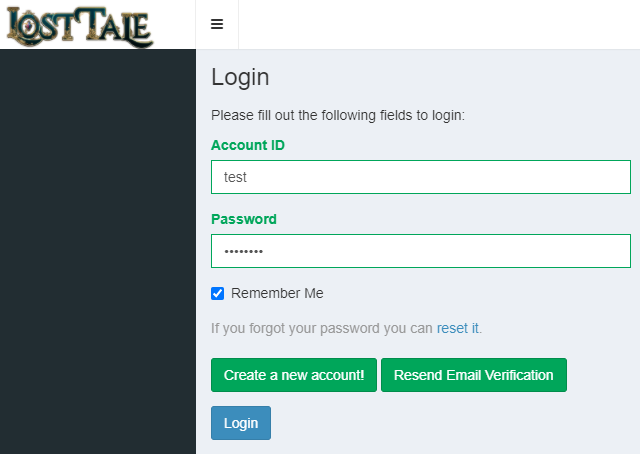
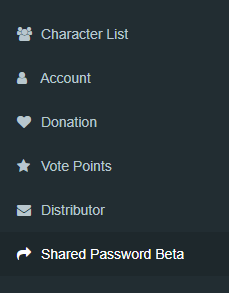
After logging in, select the option "Share Password" on the left menu of the panel.
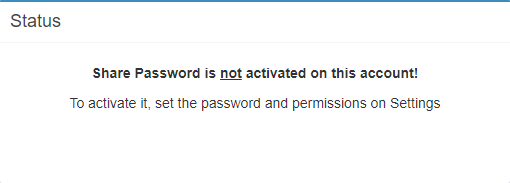
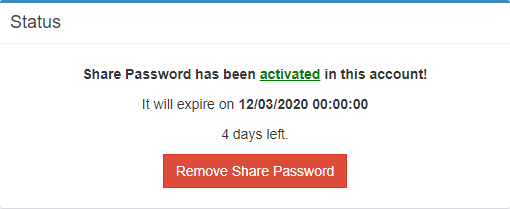
When you open it, you will notice there is a box showing the current status of Share Password on your account.
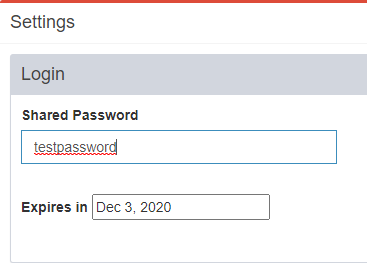
To seta Share Password, go to settings box, and enter a password in the input box "Shared Password".
This password should bedifferent from your current account password.
After itselect in how many days it will expire.
Note that when the password expires will be necessary to set it again.
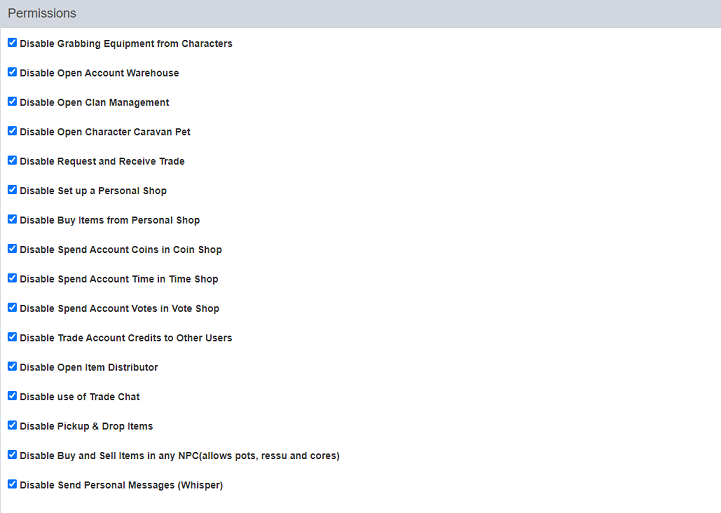
In thepermissionsbox, you will find there's a lot of options that you enable and disable according with your preference.
This is what will set the permissions for who log in in the account using this specifically password.
Select the permissions and then click in "Update Settings".
Ifthe password was sucessfuly added on the account, you will notice it in the Status Panel.
To remove ityou can simplyclick on "Remove Share Password".
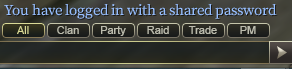
When successfuly log in with a Share Password, you will receive a message on the chat.
The user now are only able to do things that are allowed on the permissions box.
[](https://forum.losttale.com/index.php?/share-password/#)
-
-
-
-
-